A journal for iPhone · Coming soon
Easy to begin. Worth returning to.
A journal with an AI companion that helps you start, and notices what matters as your pages build.
Why keep a journal
Put thoughts into words
Some days arrive as a tangle rather than a sentence. Writing gives it somewhere to go. You don’t need to know what you think before you start; often the words come as you write, and the page lets you look at the thought from outside.
Find a little perspective
A busy day rarely leaves room to step back. Pages you wrote last week or last season let you return to what happened in your own time, and see how things looked then beside how they look now.
Keep what matters
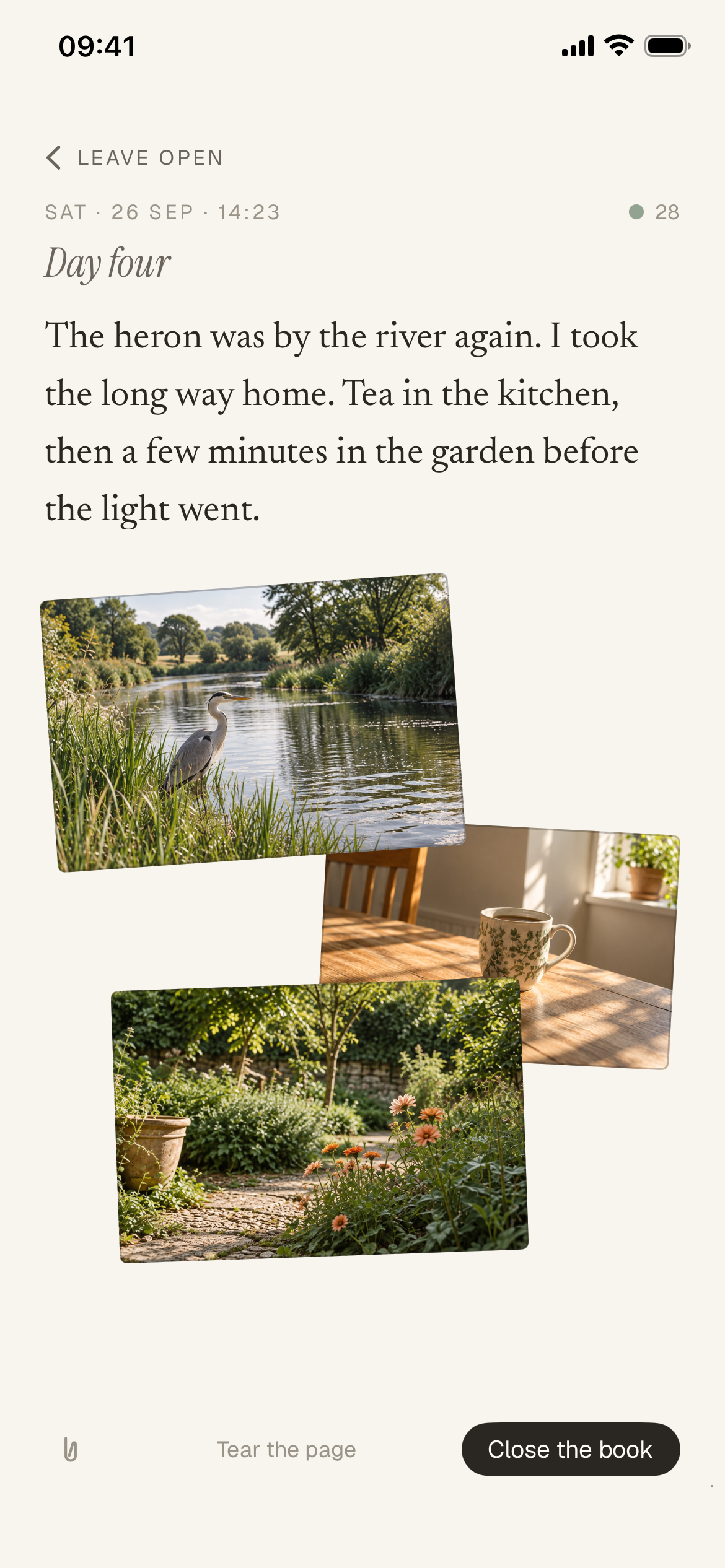
So much of a life is ordinary: a good conversation, the walk home, the light in the kitchen. Written down, with a photo if you like, those moments stay with you, ready to be found again when you want them.
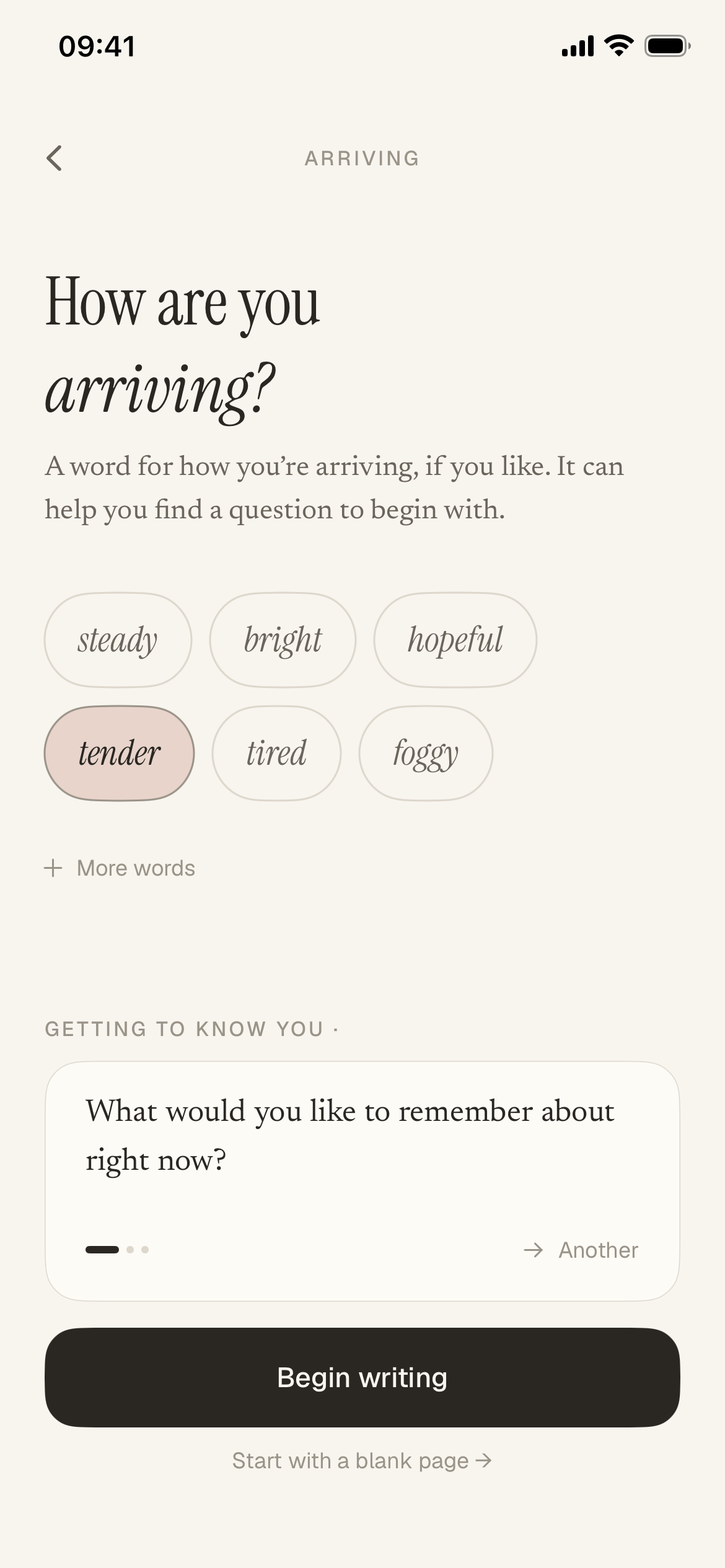
A question to start from. Or a blank page.
Say how you’re arriving, and Jurnl’s AI companion offers a question to help you find a starting point and explore what’s on your mind. Or choose a blank page.
The picture, with the words.
Add up to four photos to a page and arrange them your way. The page brings the whole moment back.
The more you write, the more there is to notice.
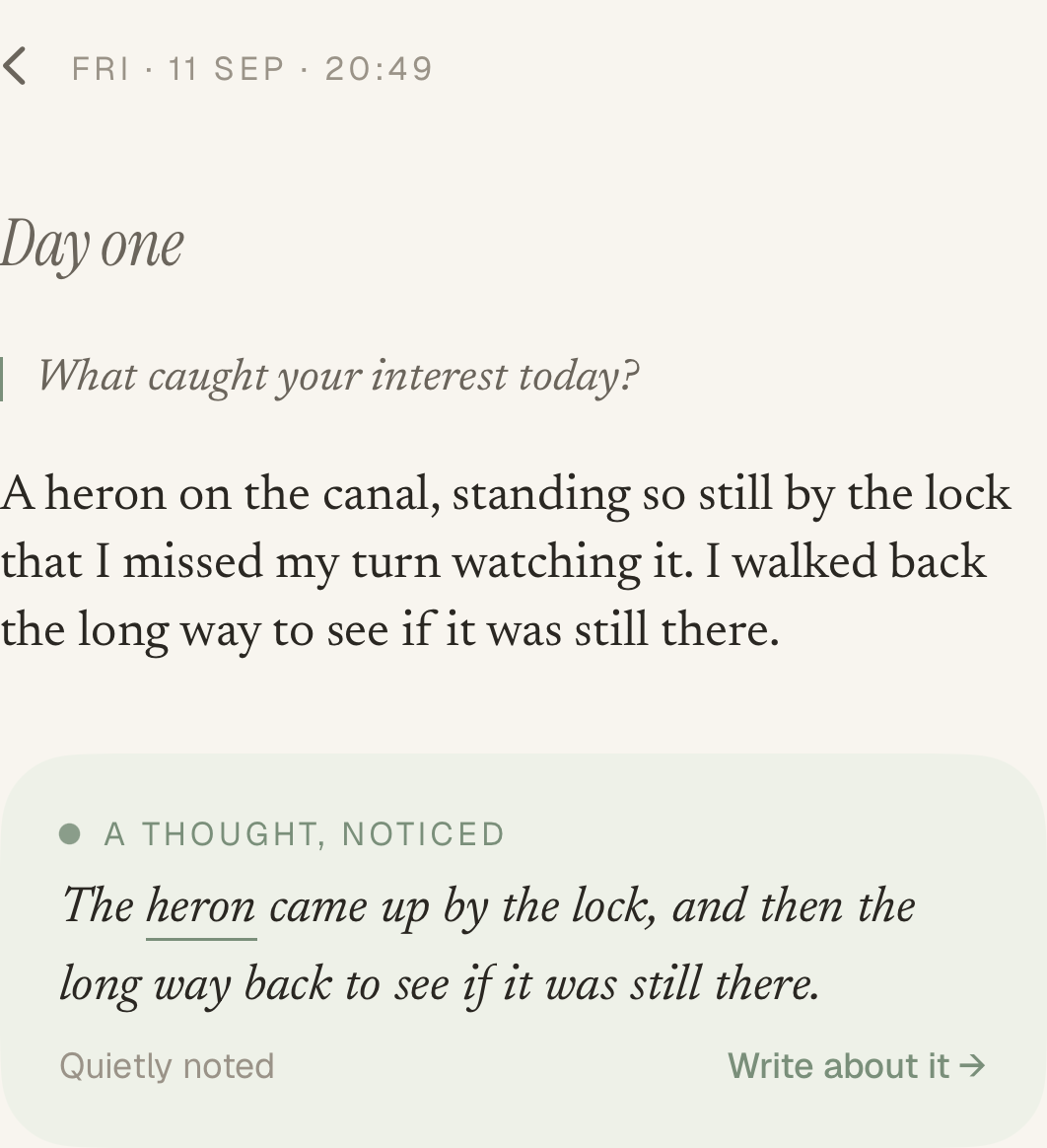
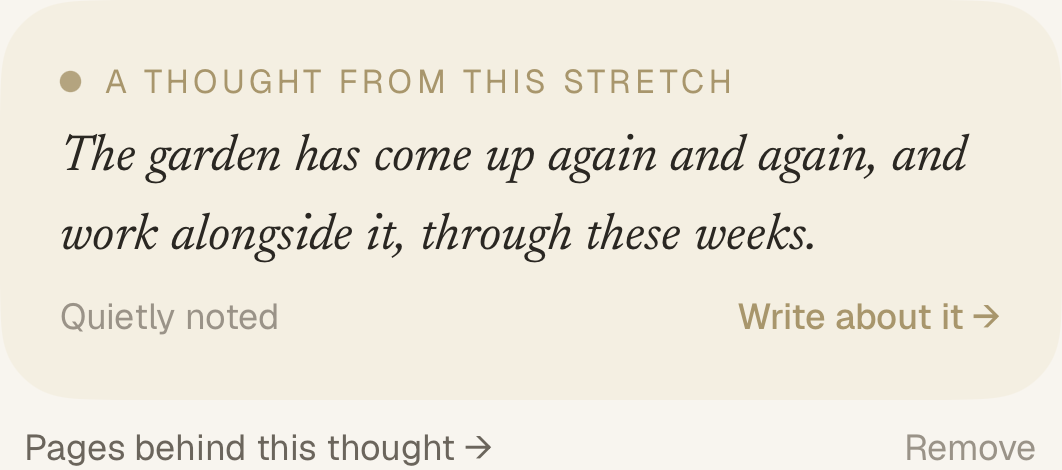
Jurnl’s AI companion reads back your pages and writes short notes grounded in your words. In time it sees further: a week, a season, even a chapter of your life.
-
One page
-
Recent weeks
-
Over months
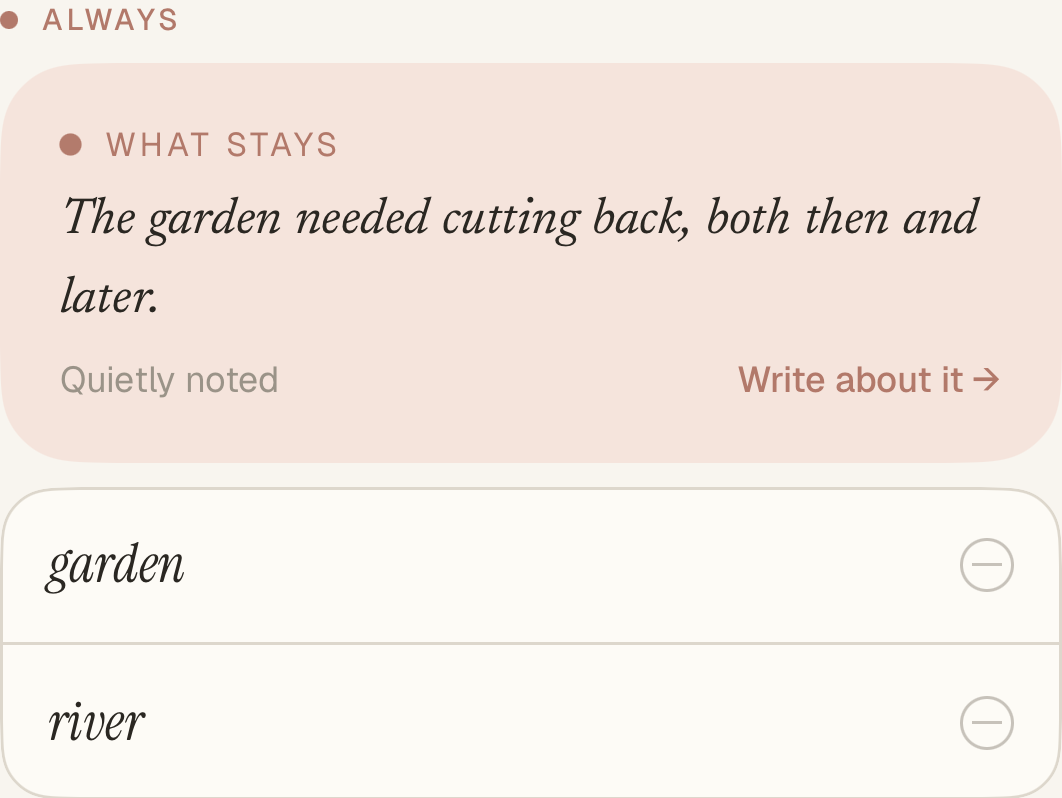
Cropped notes from an example journal. A note appears when your writing gives it something real to point at.
Private by design
Your journal stays yours.
Jurnl is designed to keep your writing on your iPhone and in your own private iCloud, with no Jurnl account to write. Only selected writing is sent to the AI companion, to write a note or a question.